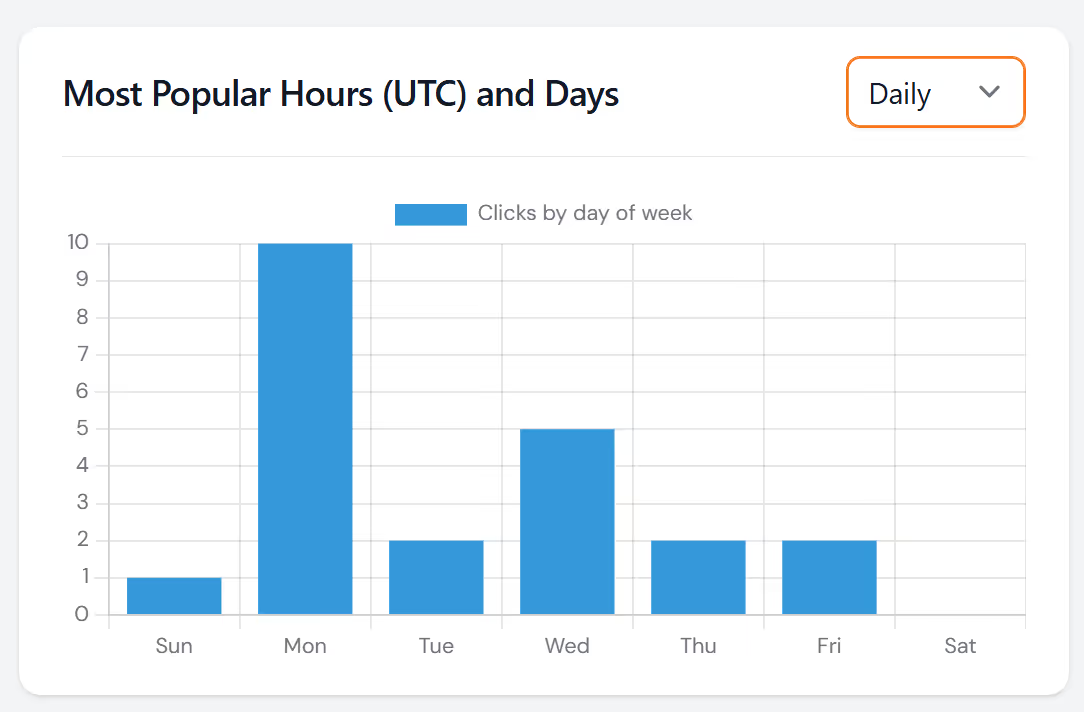
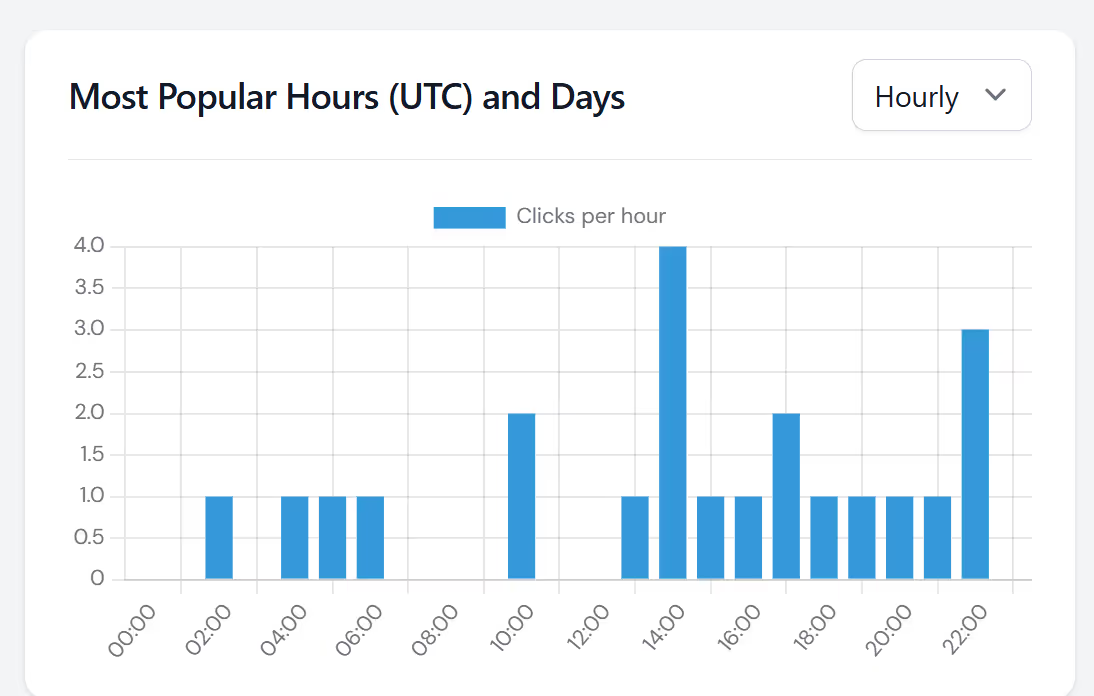
With LinkShortener's reporting, you can track all QR scans or short links by day and hour. Allowing you to see when most of your customers and prospect are engaging with your content.
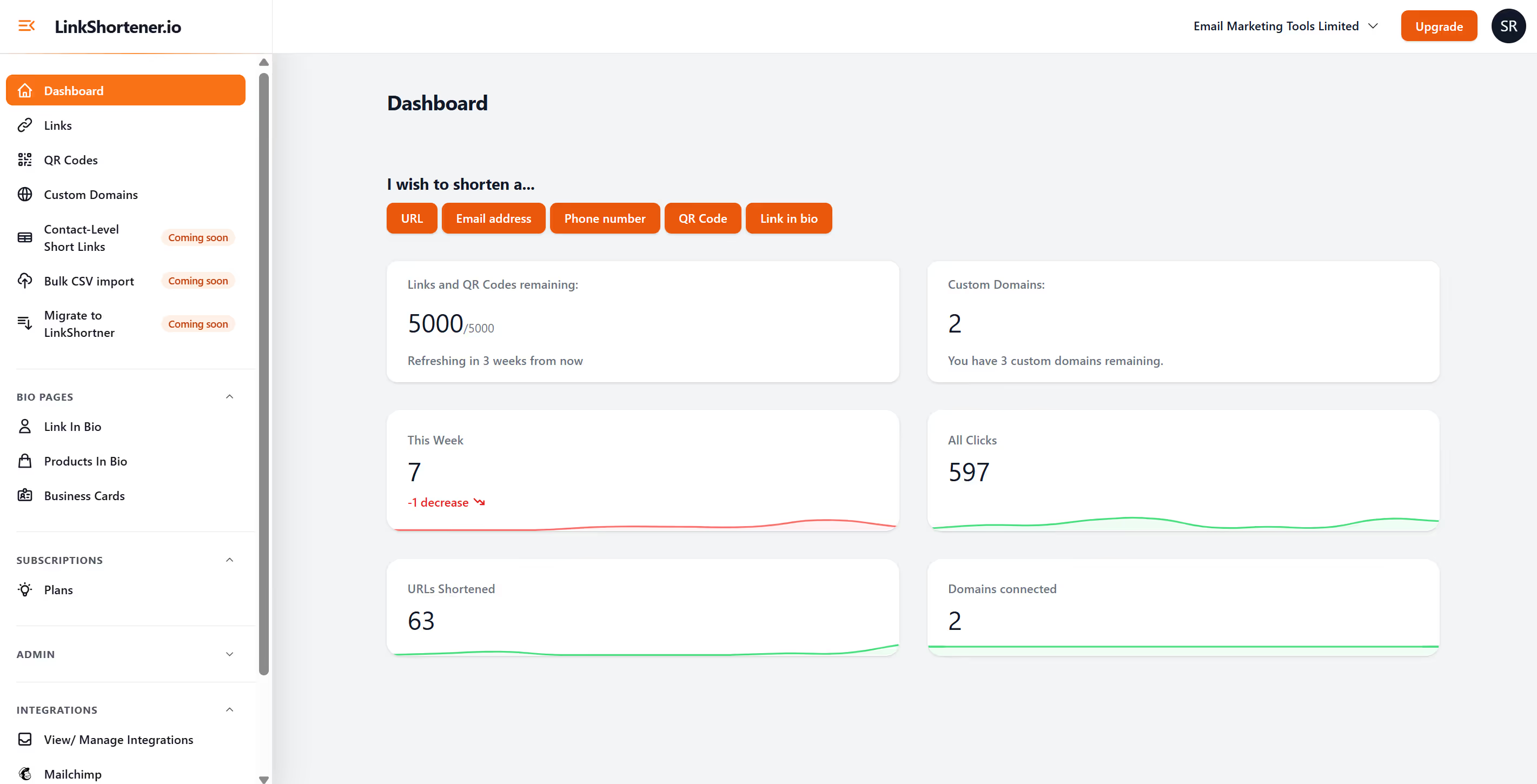
Once you have logged into your account, click on either "short link" or "qr code" from the left hand menu. Find and select the link/qr code you wish to view the reporting on, simply scroll down to the bottom of the page you will see clicks or qr code scans by day and hour.