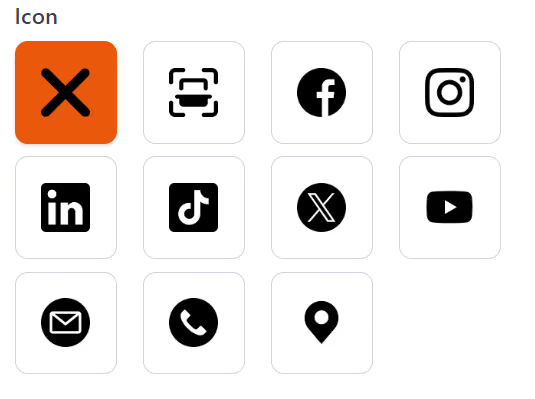
Today, we launch our latest update to our QR generator where you can add your company logo or your own face if you wish, to the centre of your QR codes.Or you can use a range of pre-set social icons for Facebook, Twitter (x.com), WhatsApp and many more…Check out our pre-set icons here >>
We also offer a range of QR Code Customisation from style of the QR code, margins, foreground and background colours.
It is simple easy to add your company logo, or face, to the centre of your new QR code.
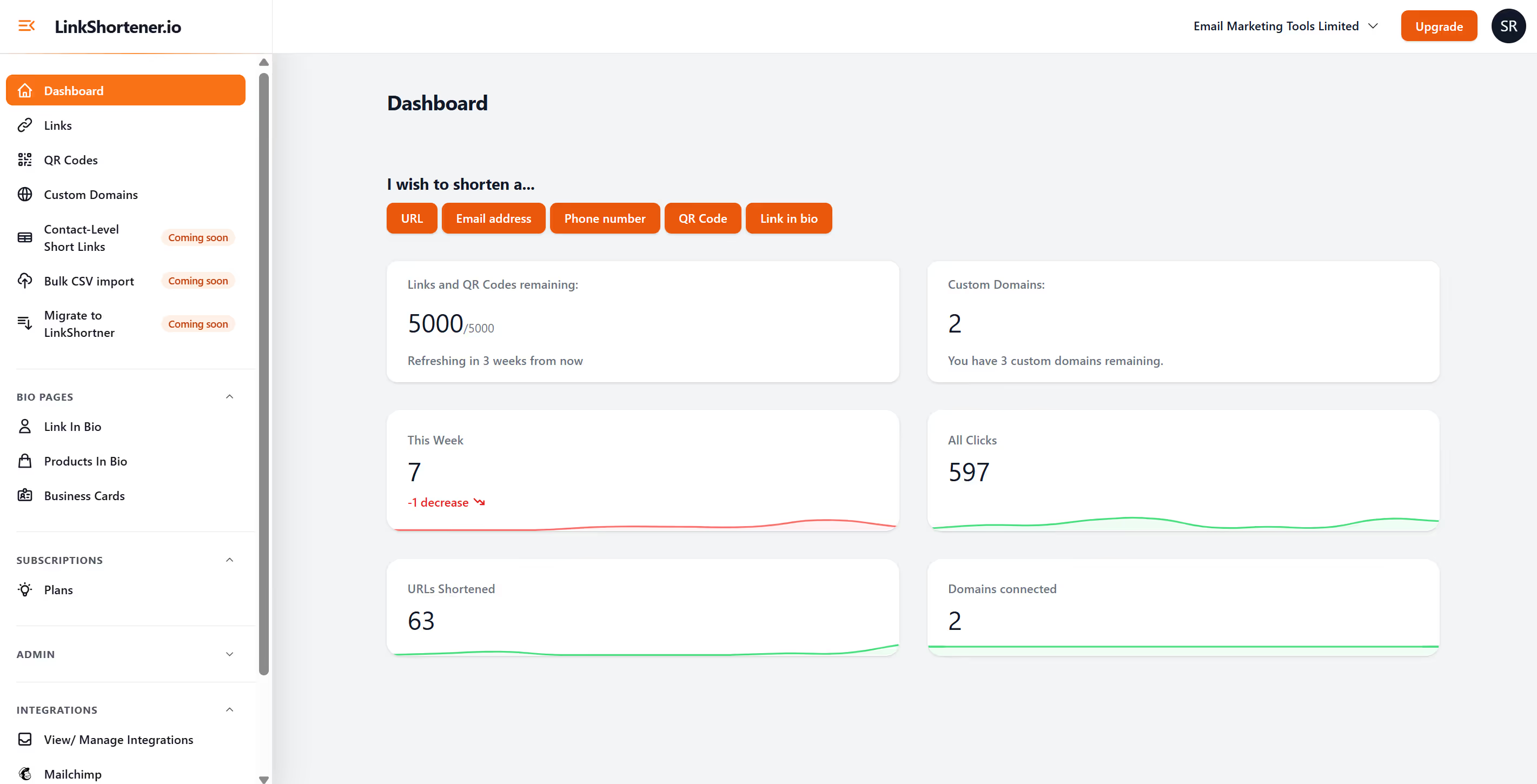
All you have to do is login to your account, click “QR Codes” and click the button top right “New QR code”.
Complete the form with a qr code campaign name, link where you would like to direct the qr code, apply your UTM tags and campaign tags.
Once you have done that you go ahead and click under the logo section “Drag & Drop your files or “browse”, upload your logo and press create.
You will then have your custom logo QR code.