QR codes work best when they’re easy to see and quick to scan. But one of the most common mistakes businesses make is printing them too small for how far away people stand. If a customer can’t scan it quickly, you’ve lost their attention — and probably the conversion too.
That’s where understanding viewing distance versus QR code size matters. It’s not a rocket science, but there are some simple and easy rules that can make all the difference.
QR codes follow a basic rule: the further away someone stands, the larger your QR code needs to be. The most accepted ratio is 10:1. That means if someone stands 1 metre away, your QR code should be about 10 cm wide.
It was a time that I had taken my family out for a meal, and the qr code was so small on print that it just wouldn’t work. So this cause a lot of wasted time and had to then resort to old methods of queuing at the main desk, or having to explain “this qr code just isn’t working”
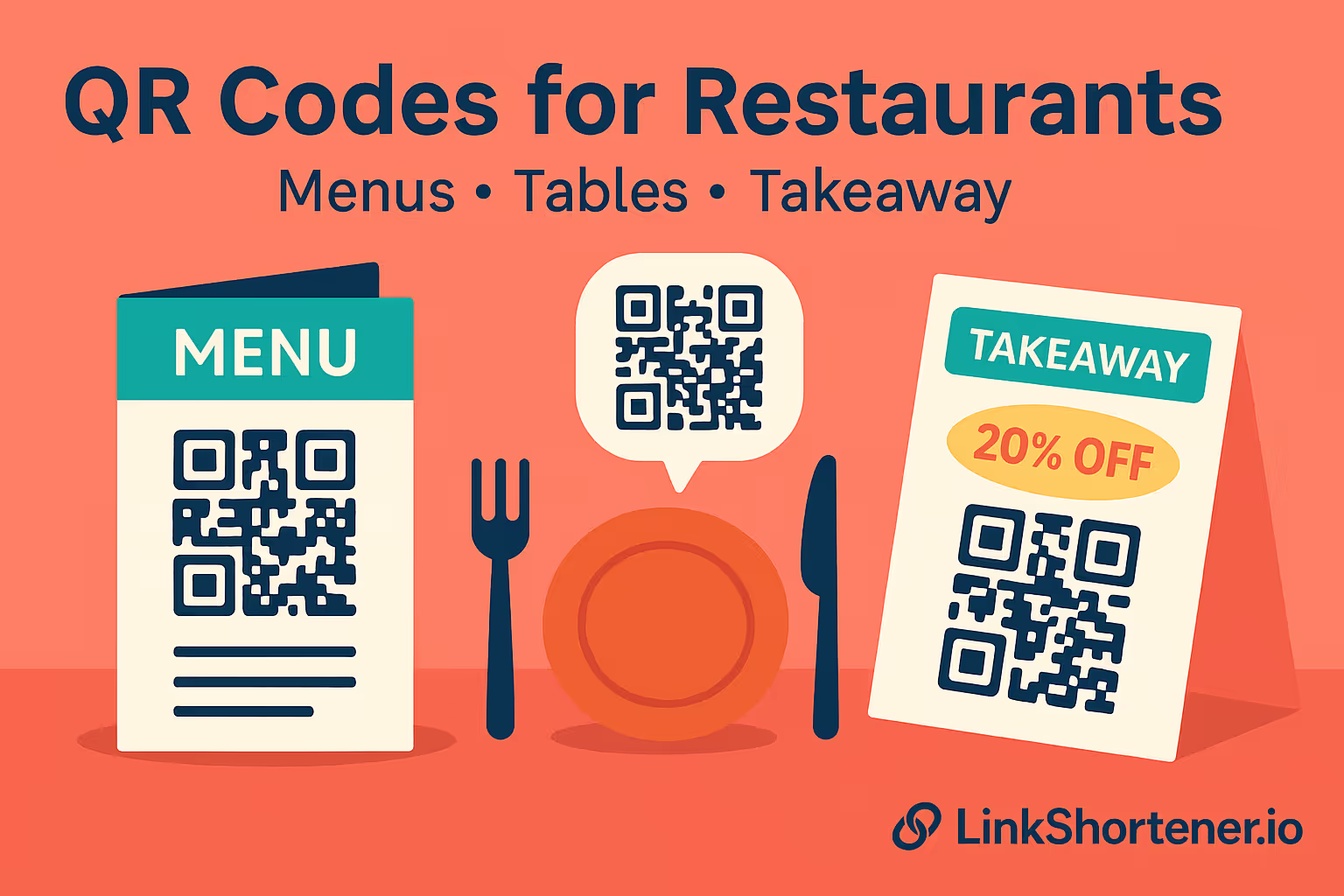
We’ve seen businesses spend hundreds on great marketing materials, only to ruin it with a QR code that’s unreadable from more than half a metre away. The issue often comes from scaling — shrinking a design to fit packaging, menus, or social graphics without testing it first.
If your customers have to move awkwardly close to scan a code, it breaks the flow. Worse still, they might just give up.
Viewing Distance Recommended QR Code Size
30 cm (flyers, menus) 3 cm wide
1 m (posters, counters) 10 cm wide
2 m (windows, doors) 20 cm wide
5 m (signs, billboards) 50 cm wide
By using this as a baseline for sizing, we will make sure your QR codes built by us are always scannable.
Now when the sizing of the qr code is done well, you have no issues. I once attended a huge email marketing conference in London hosted by Mailchimp. They had printed in large printed, and in pixelated qr code to download the events app. And with instant success, boom, it worked!
With LinkShortener.io, you can preview your QR code live before printing and make sure it fits your design perfectly. Whether you’re using square, round, or dotted styles, the live preview helps you spot visibility issues early.
You can also test how it appears on different coloured backgrounds, check your contrast, and export in high resolution — so your code stays crisp at any size.
One key benefit of testing, is our preview mode. Now this allows you to easily test if the qr codes opens to the right destionation without creating the code, testing just to find out that it doesn’t load. How frustrating, but with preview mode, this wont ever happen. Give it ago!
When it comes to QR codes, size really does matter. All you need to do is think about where your customers are, where they are standing and how they’ll interact with your qr codes.
And if you ever find yourself unsure, use the 10:1 rule — or test it in LinkShortener.io’s live QR generator.