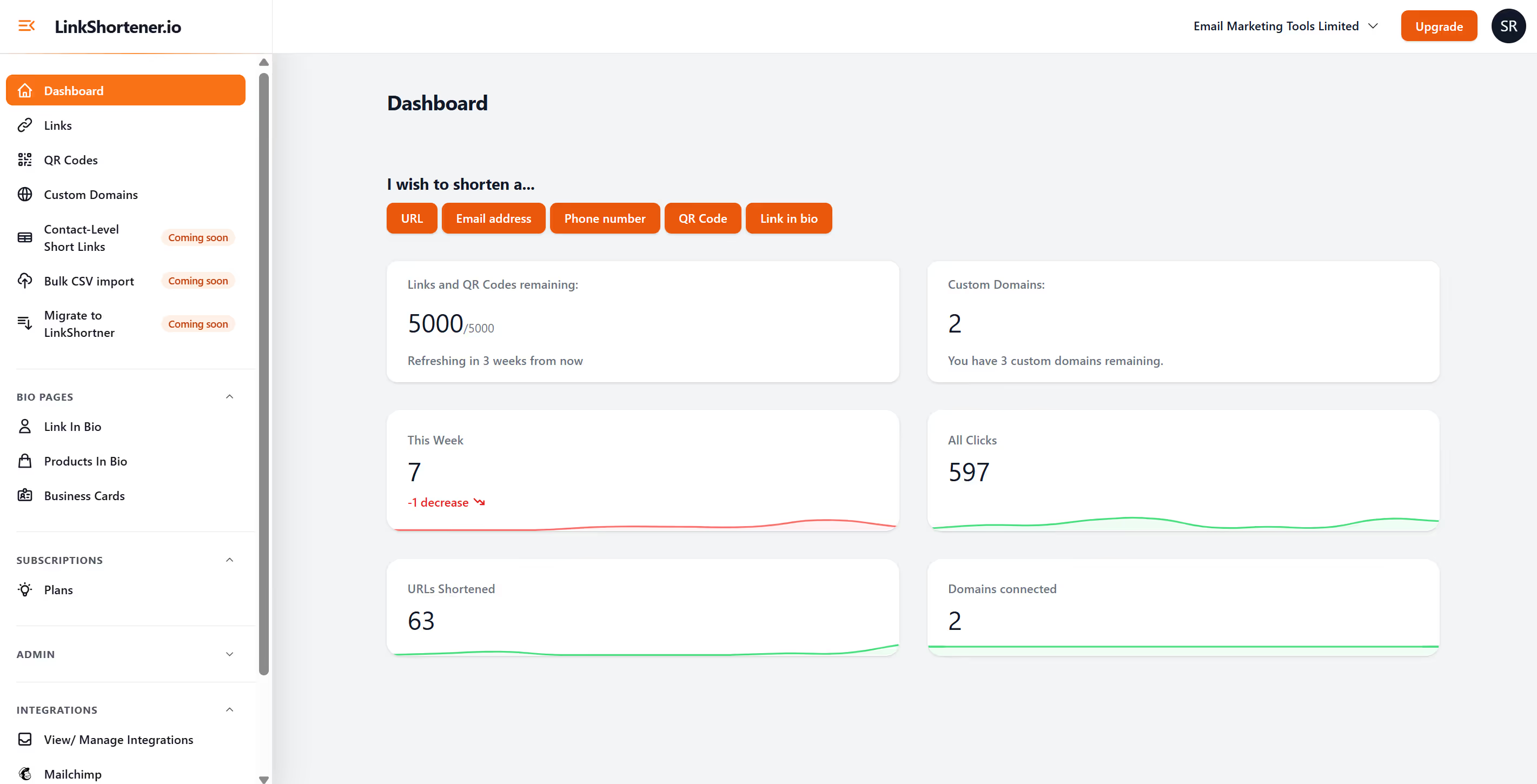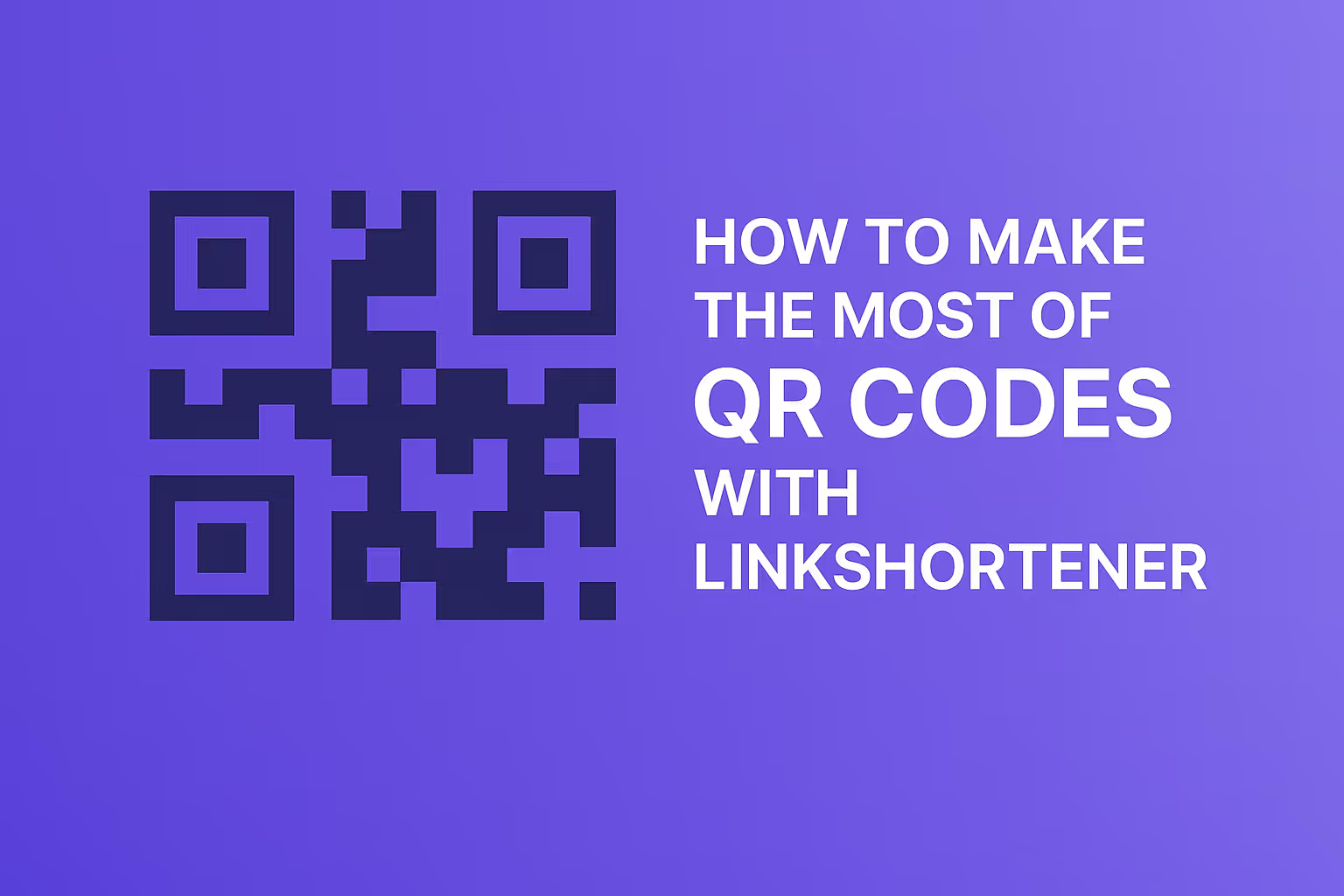
Custom QR codes are everywhere — from restaurant tables to packaging and social media profiles. But not all QR codes are created equal. Some work beautifully, while others confuse customers or fail to scan. The difference often comes down to how they’re designed. Let’s look at the dos and don’ts of creating custom QR codes, and how LinkShortener.io makes it easy to get them right.
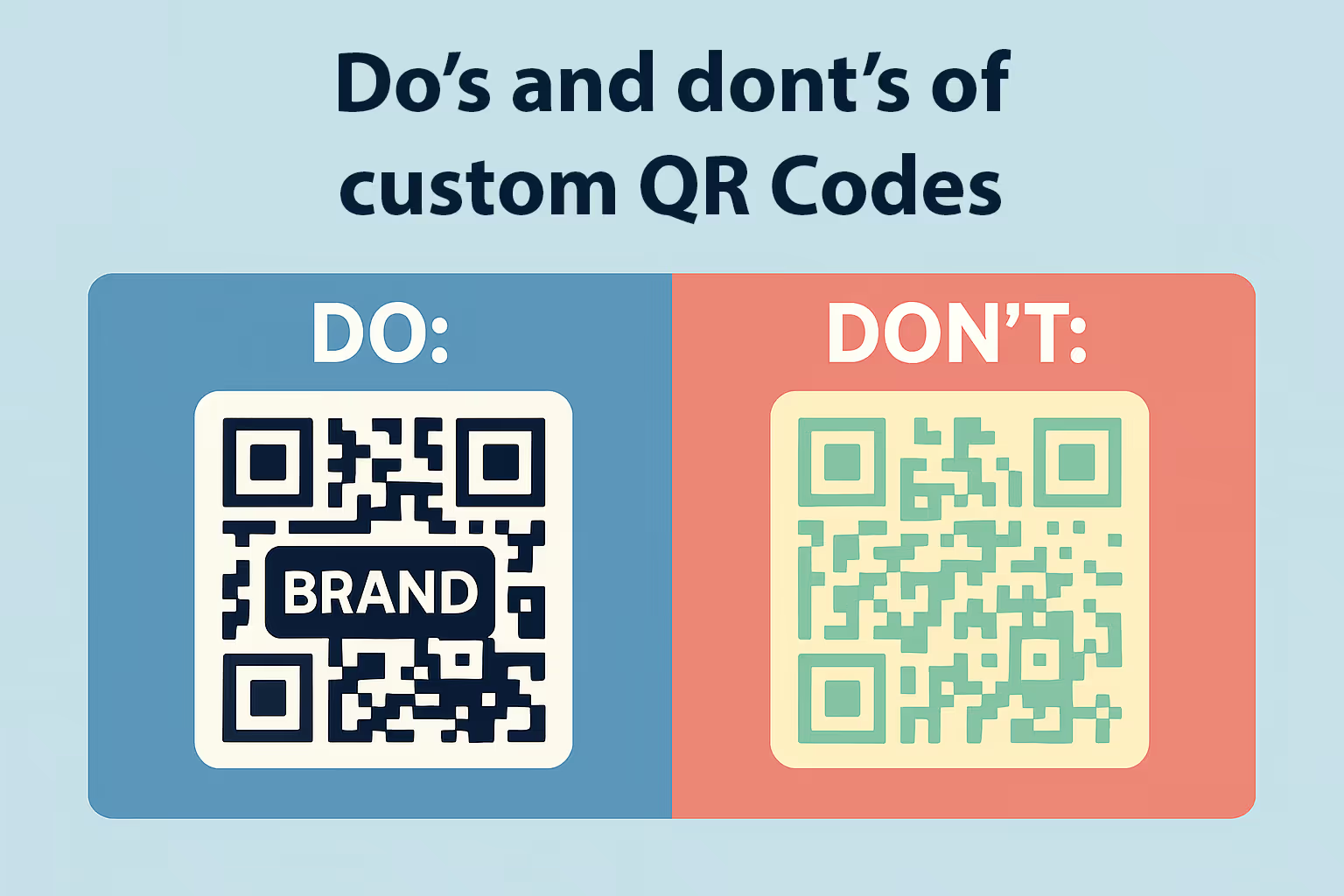
Adding your brand’s logo or colour guideline colours can be one of the best ways to build trust for users before they scan you qr code. Customers are more likely to scan a QR code when it clearly looks like it belongs to your business. With LinkShortener.io, you can add your logo in the centre and match the colours to your brand palette.
We see many times on tv recently that the channels logo is added to the centre or the qr code or even on an advert. Now I am not sure when this started for youtube ads, but on the right hand side of ads on YouTube are now displaying a huge qr code and in the centre is the brands logo. This is a really nice touch and also makes you the user feel a little safe. I have also seen first hand the power of a custom logo qr code, ok in my example it wasn't a logo it was my face. I created a qr code to my LinkedIn profile and have it printed in my new polo shirts. I then wore these shirts and everyone was taking notice of a huge qr code with my face on it. Even Jason Bradbury from the gadget show, LOVED the idea, scanned it to make sure it works.
Too many colours, or poor contrast between the background and the code itself, can make a QR hard to scan. A common mistake is using pale colours or gradients that the camera struggles to read. Stick to strong contrast — and use customisation tools like LinkShortener.io to preview the QR live before printing.
A simple “Scan Me” or “View Menu Here” under your QR code can increase scans significantly. Customers like to know what to expect when they scan. LinkShortener.io lets you add call-to-action text directly into the QR design.
QR codes need to be large enough to scan via mobile device or camera comfortably. If your QR codes is too small or tucked into the corner of the page, customers can become very frustrated and give up. Make sure your design suits the placement — bigger for posters(SVG format), smaller for business cards, but always readable.
Every scan is a valuable data point. With LinkShortener.io, you can see where and when your QR codes are being used. This means you’ll know whether more customers scanned the menu on the window or the takeaway flyer.
Now when a qr code is scanned, we have a 5 second refresh to track all your scans. From here you can monitor total, daily and weekly scans. Plus add redirects by location to a new url domain if you wish.
Static QR codes are limited. If the link changes, the code stops working. Dynamic QR codes from LinkShortener.io solve this — you can update the destination anytime. Even better, you can add rules like country-based or device-based redirects for more personalised experiences.
Always test your QR codes on multiple devices before rolling them out. LinkShortener.io offers live preview so you can be confident it works everywhere.
You can do this with a live preview feature built-in LinkShortener.io, or once you have created your custom qr code. Pull out your mobile phone, scan the newly created qr code on your desktop, and scan. This will take you destination url link on your phone, and the scan wil show in the reports.
Here’s a quick checklist of what to do when designing custom QR codes — all supported by LinkShortener.io:
Are your qr codes customised? Have you tried adding your logo to the centre?
Written by: Shaun Reynolds