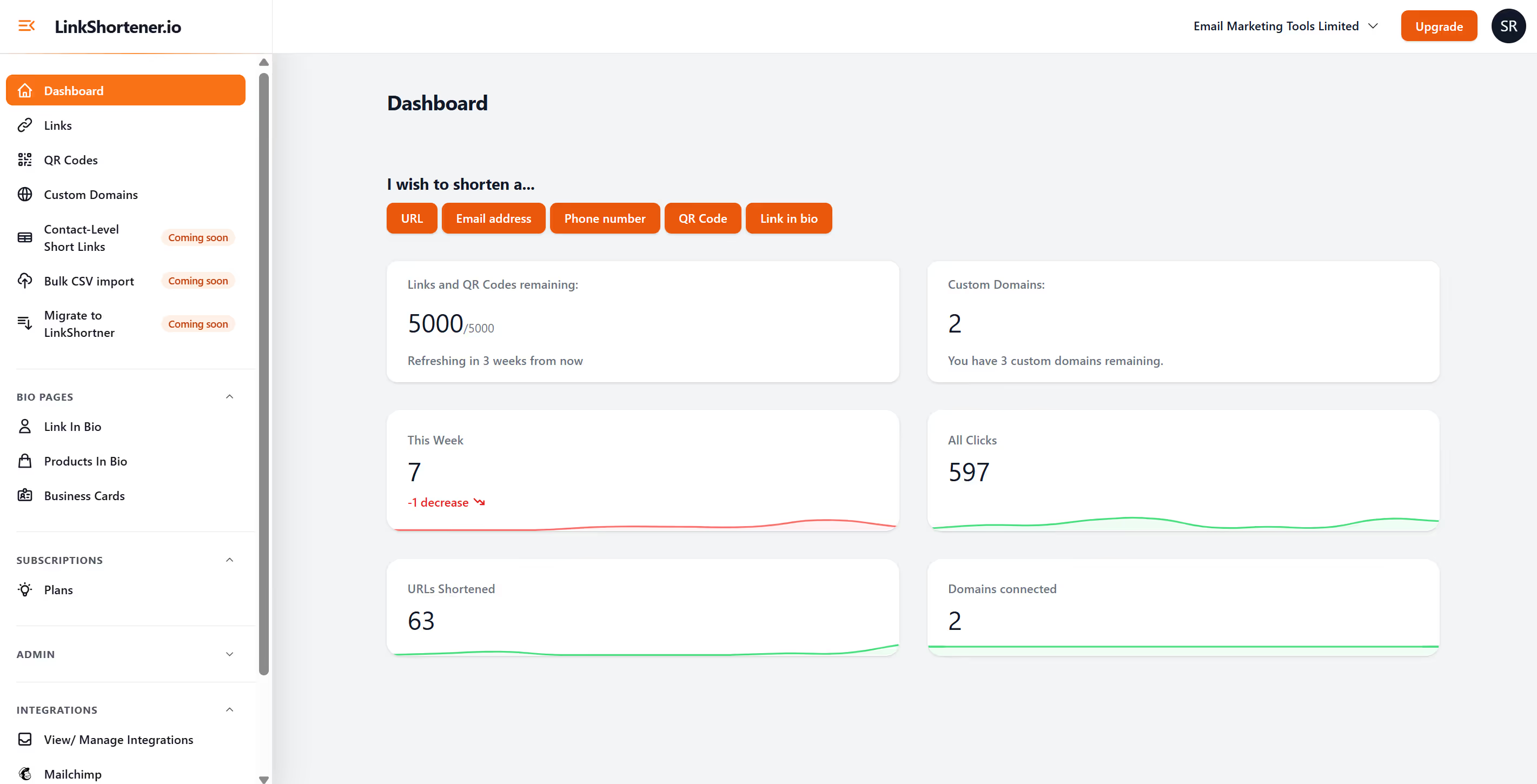
LinkShortener.io has dedicated function to shorten phone numbers. Rather than using "TEL:" destination link with your website, social media or email campaign, you can create a short link. Allowing you to track clicks across muliple touchpoints.
Did you know? If you add a phone number to your email campaigns, did you know that these links can not be tracked within your click reports from your email marketing platform. This is due to the link being a "TEL:" link and not a HTTP hyperlink.
So creating a short link within LinkShortener.io, will help fill that gap and every time a phone number is clicked within your email campaigns, will now show in your click reports.
Once logged in, click "links" within the left hand menu, then click "add new link" top right button, then under type change from "web link" to "phone number and enter the number
Continue to build your short link as usual and save.
Make sure you test your new short link offline and within your testing stage of building out an email campaign or flow automation.