We know that many teams across sales, marketing and other departments use LinkShortener, so we have our teams function to add and remove members to your company.
Teams help you keep your workspace tidy. You can group people by role, location, or project. It works well for busy brands that want clear access without clutter. You can add someone to a team, set their rights, and let them get to work. I think it often saves a fair bit of time because people see only what they need.
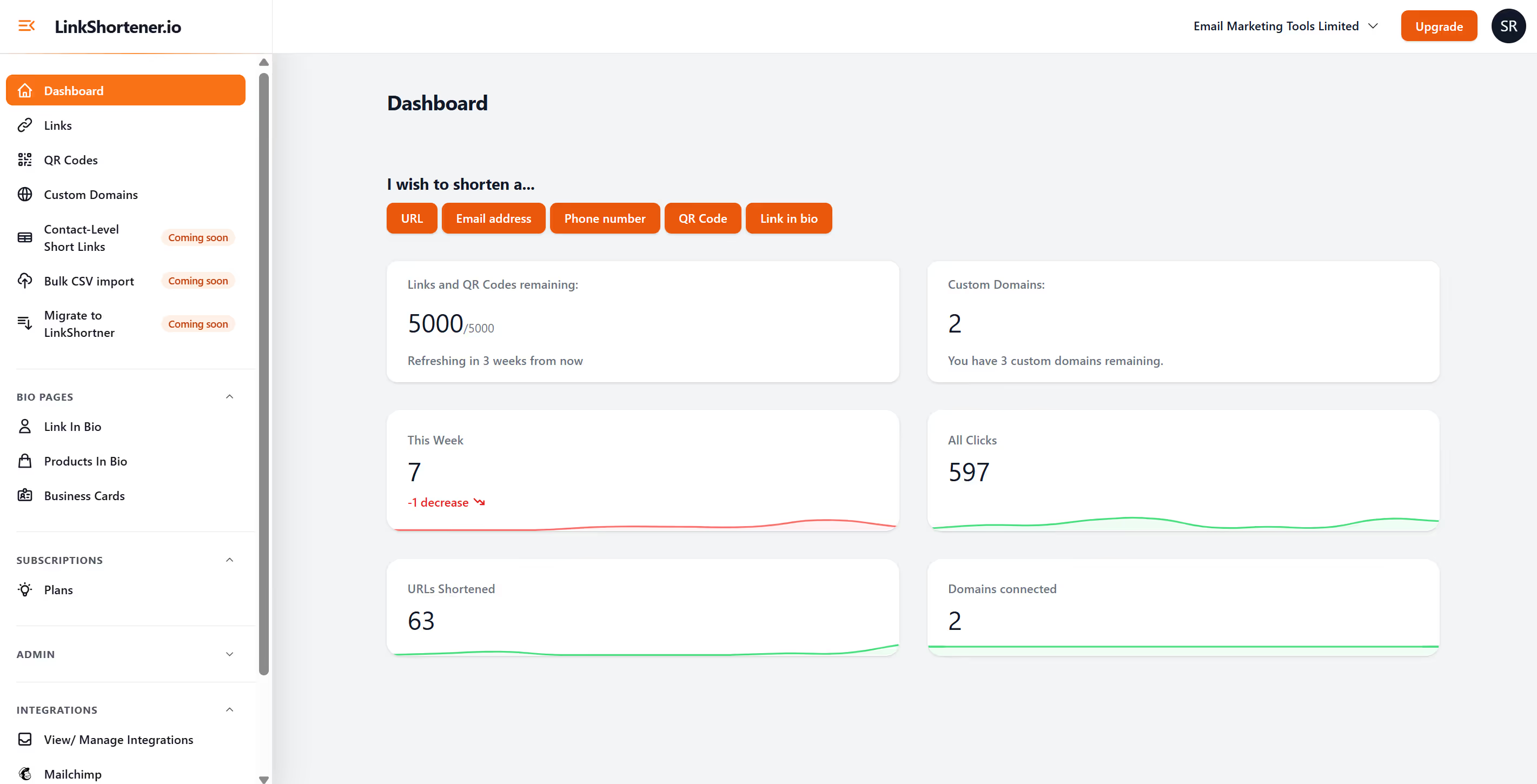
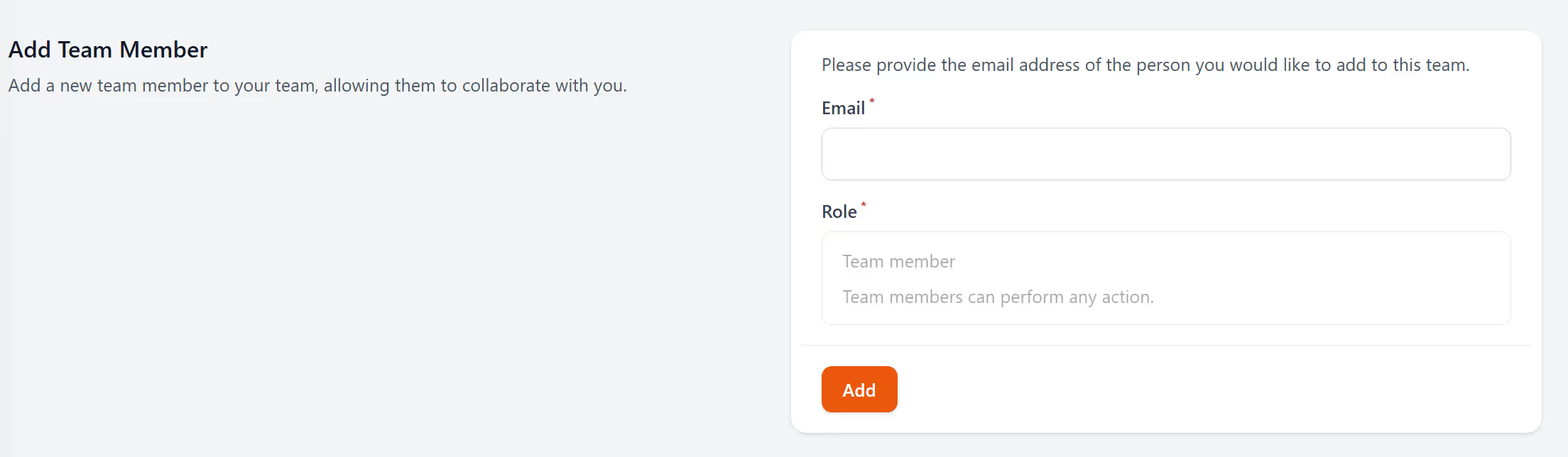
To add a team member, it's really simple. Once logged in, click top right on your campaign name and select "Team settings", then scroll down to the section titled "Add Team Member".
Enter their email address and click add. (Currently we only have all member function and we are currently working on permissions. To either, add, view, manage or report on short link and qr codes.)
You create a team, give it a team name, and add the members by clicking on “add team member” within the team settings. Each person sees links, QR codes, and pages that you choose. They can build their own items without touching anything outside their area. It keeps mistakes down. It also helps when people join or leave because you can manage everything from one place.
Each team can hold as many members as you need. You can pick who can create links, who can publish pages, and who can see reports. You can give simple access or full control. It depends on how your brand works. Some brands want tight control. Others want every team to move fast. You choose what fits.
Teams help when you handle different markets or work with agencies. They also help when you have staff in stores or remote workers who need quick access. People work faster when they know where things live. It keeps projects clean. It also means you can follow which team created what. That can be helpful when you review activity later.
You can set team names, rights, and access. You can also add {{copy writer input}} (describe brand-specific examples). Some brands use teams for marketing. Some use them for retail stores. Others split by region. It works well in all cases because it keeps work grouped.
You can create your first team in a few seconds. Add your members and set their access. After that, each team can build links, QR codes, and link in bio pages without waiting for anyone else. It feels simple once you start using it.