So you have created your short link, but you now wish to edit the destination url. Well don't worry, our "edit destination" function allows you to edit and change your destination url, even once it has been created. Allowing your full control of short links and creating redirects to correct the target url.
Have you ever created a short link and wanted to change the destination after creating it? Well with LinkShortener.io, you can edit a short link and change the destination without having to create a new link. It helps when a page moves, when a product sells out, or when you want to send people somewhere better. I like this because the link you shared stays the same. You just update where it goes.
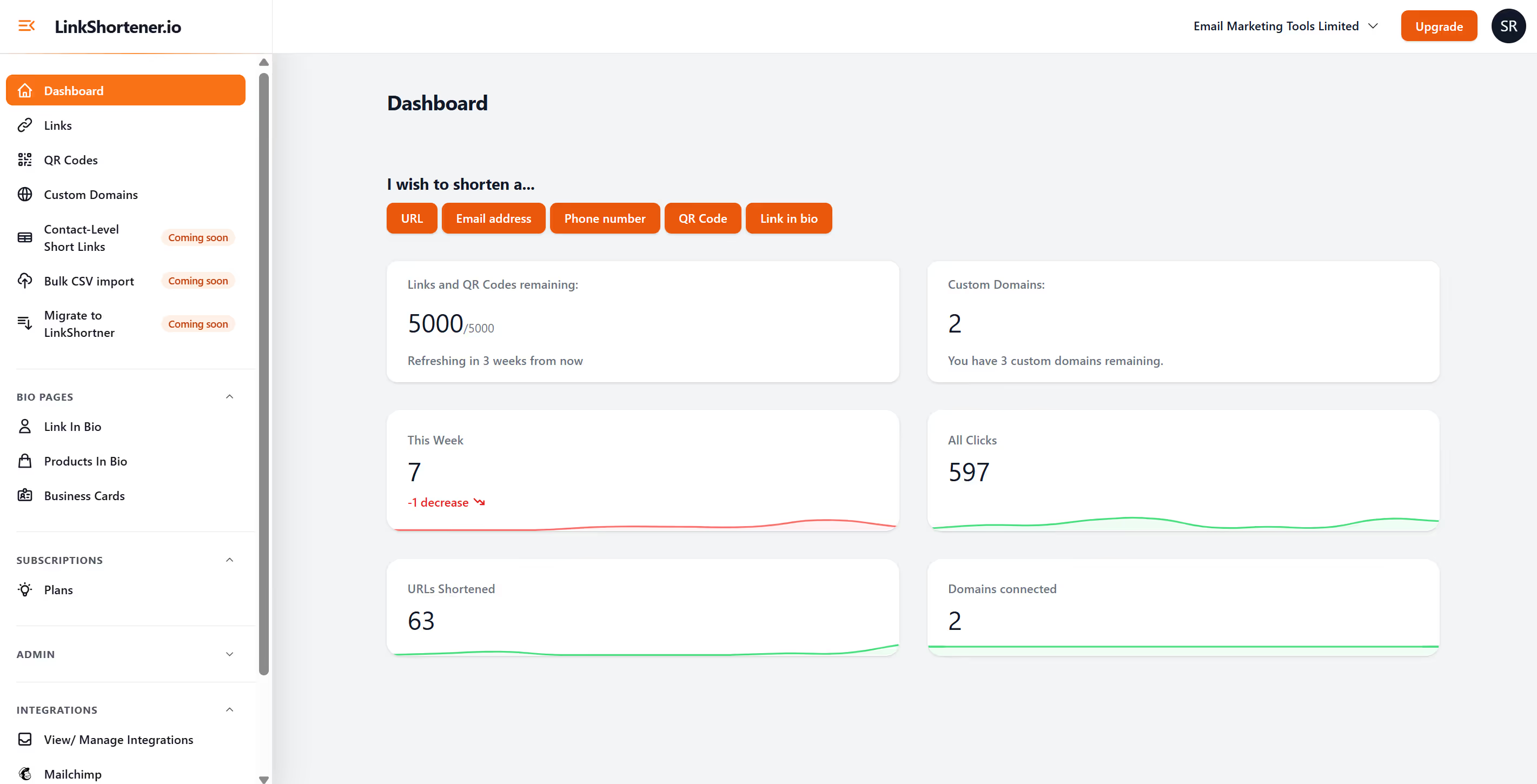
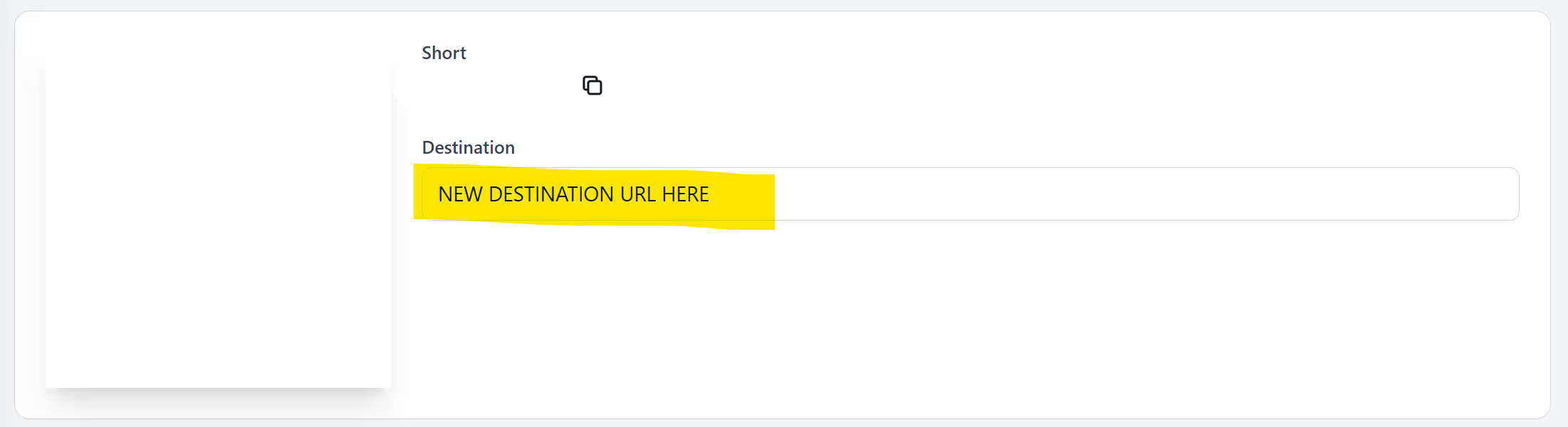
Once you have logged in your LinkShortener account, find and select on the short link you wish to edit. Now click top "edit" button. Once selected you will be able to amend the destination url.
You open your link, type the new destination, and save it. The short link stays live. Anyone who clicks or scans goes straight to the new page. It keeps things tidy and stops you from sharing a fresh link every time something changes. It also helps when you need a quick fix.
Things shift often. A campaign switches. A URL changes. A product page gets replaced. Editing your short link lets you keep control. You avoid broken pages and lost clicks. It also keeps your reporting clean because you continue using the same link.
Teams can update links without touching anything else. It helps when several people work across channels. One person can update the destination, and every channel stays aligned.
There is no limit to when you can update your link. You can change it hours later, weeks later, or even during a live campaign. The link itself never changes. Only the page behind it does.
This function isn’t just short links, but also for qr codes. You may have printed flyers and stands with qr codes that you need to it’s destination url. With LinkShortener.io, you can update the destination the same way. You do not need to reprint anything. Anyone who scans it lands on your new page straight away. It saves time and money, especially for packaging or print work.
Open the link you want to update, add the new URL, and save. It takes a moment. Your short link stays exactly the same for your customers.