When is a device rule worth adding?
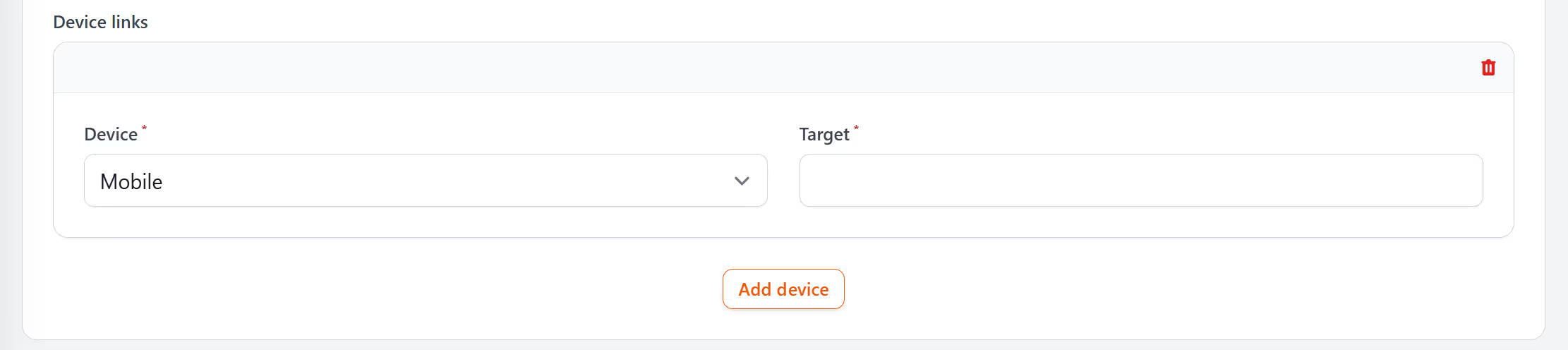
A device rule is worth adding when the page itself has to change between devices, not just its layout. If your website already resizes neatly for phones, one destination serves everyone and a rule adds nothing; responsive design like that is what Google’s mobile-first indexing guide recommends. Rules pay off where the right page only makes sense on one kind of device, such as the app download page in the doorbell example above, which a desktop visitor has no use for, or where the steps on a phone differ from the steps on a computer. Device rules are at their best for an address that is printed or emailed once and then meets both kinds of screen: a card scanned at the kitchen table, the same link opened at a desk days later, each needing a page of its own. Pro is where they start, at $34 a month.
After the link goes live, its click report shows how many clicks came from mobile and how many from desktop. On the doorbell link, the mobile figure takes in every scan of the quick-start card and every tap on the email link from a phone, while the desktop figure counts the clicks from people reading the email at a computer. Whichever rule sent the visitor on, the click still counts: the redirect behind the short link is a 302, the temporary kind, so the visit registers before the page opens. Visits recognised as known bots or crawlers join neither column.
Can I send iPhone and Android users to different app stores?
Not with a device rule. Device rules tell mobile from desktop only, and an iPhone and an Android phone both count as mobile, so they open the same page. Point the Mobile rule at a page on your own site that carries an App Store button and a Google Play button, and each visitor taps the one for their phone. Behind the buttons go the listings' web addresses: App Store ones start apps.apple.com, and Google Play ones start play.google.com/store/apps/details, the format in Google’s guide to linking to Google Play.
What happens on a device I have not set a rule for?
The visitor goes to your main destination, the address in the link's Destination field, so a link with only a Mobile rule still sends everyone at a computer to a working page.
Does redirect by device work with QR codes?
It does. Scans are made on phones and tablets, so a scan meets the Mobile rule, while anyone who types the code's short link into a computer gets the Desktop rule or the main destination.
Can one link send mobile visitors to a different page from desktop visitors?
Yes. Add a Mobile rule pointing at the mobile page, then enter the desktop page as the main destination. Computers open the desktop page without a rule of their own.
Is redirect by device included on the free plan?
No. Device rules are part of the Pro plan at $34 a month and Elite at $260 a month, and paying yearly gives two months free. Pro also adds country rules, which the geo targeting guide explains; when a visitor matches both a country rule and a device rule, the country rule wins. Our pricing page has the full plan breakdown.