How do I move my bio page off Linktree without losing track of clicks?
Do it in two stages. Track the buttons on your current Linktree first, then rebuild the page on Basic using those same short links, so the click history carries across and your profile link never breaks while you work.
- Open a free LinkShortener.io account (no card) and give each button on your current Linktree its own short link, up to 20 a month.
- Leave it for a week or two, then read the reports. Buttons nobody taps are easy to drop, and the hours and days with the most taps tell you when your audience is around.
- Move to Basic ($13/month) and build your link-in-bio page, or a Products In Bio page if most of your buttons are things you sell. There is no automatic import from Linktree, so add each button by hand and give it the short link it already had.
- Swap the Linktree address in your Instagram, TikTok and other profiles for the new page, and keep the Linktree live until every profile has changed. For the places on Instagram beyond your bio, see where short links work on Instagram.
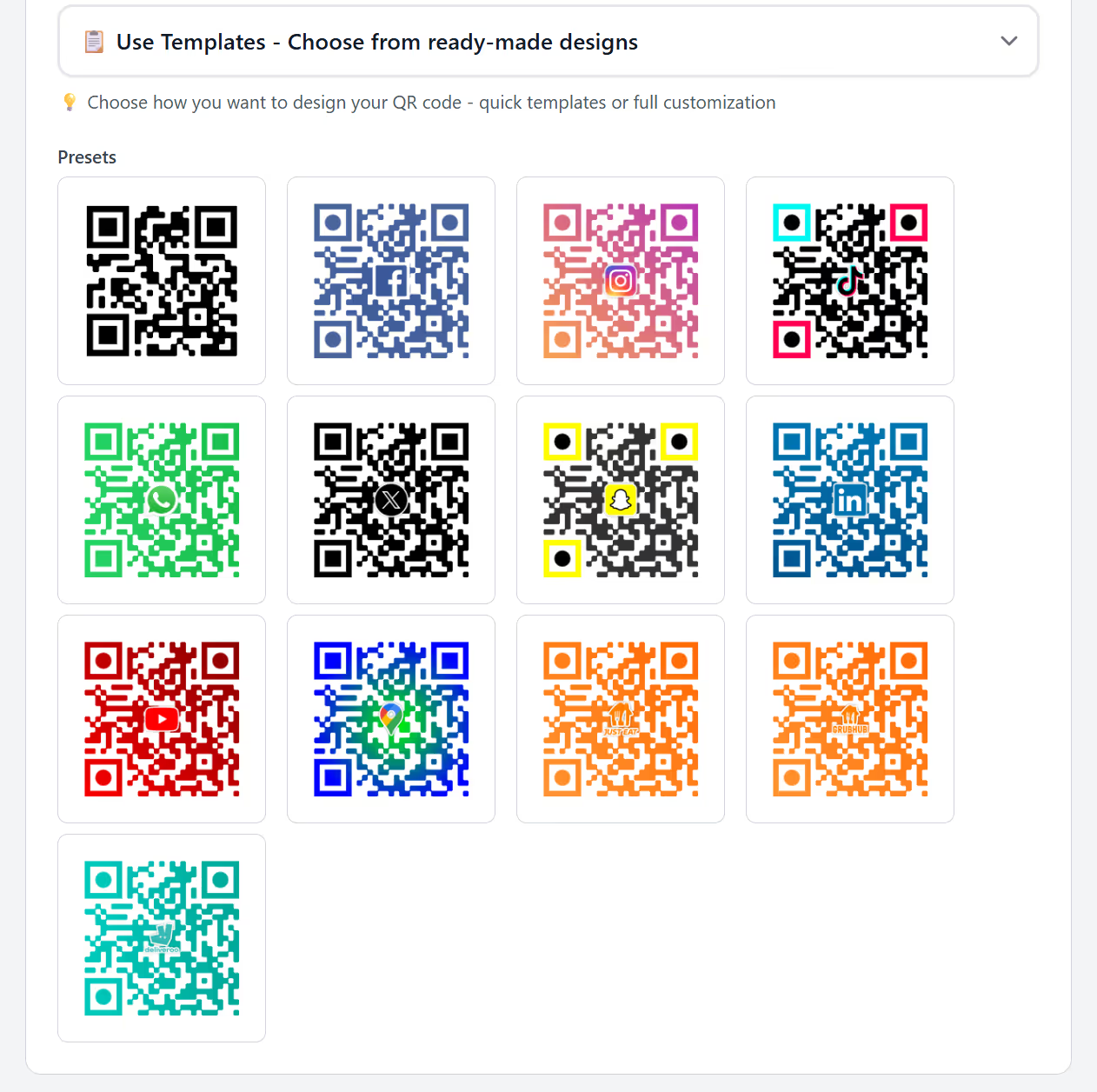
On Pro ($34/month) there is a neater route if your profile address also goes on print. Make one short link that points at your Linktree, and use it in every profile and on anything you print from now on, with its QR code made from one of Pro’s ready-made templates (there are Instagram, TikTok and YouTube styles). On switch day, edit that link’s destination to the new bio page. Every profile, post and printed code that carries that short link follows, so none of it has to be reprinted.