If you wish MailerLite for your email marketing, and you wish to share your newsletters online. You can do this by sharing your "view online" line, but this url can be incredble long and take up lots of vital character space in your social posts.
That's where LinkShortener's direct integration comes in, simply connect them together, and LinkShortener can help create short links of your "view online" links.
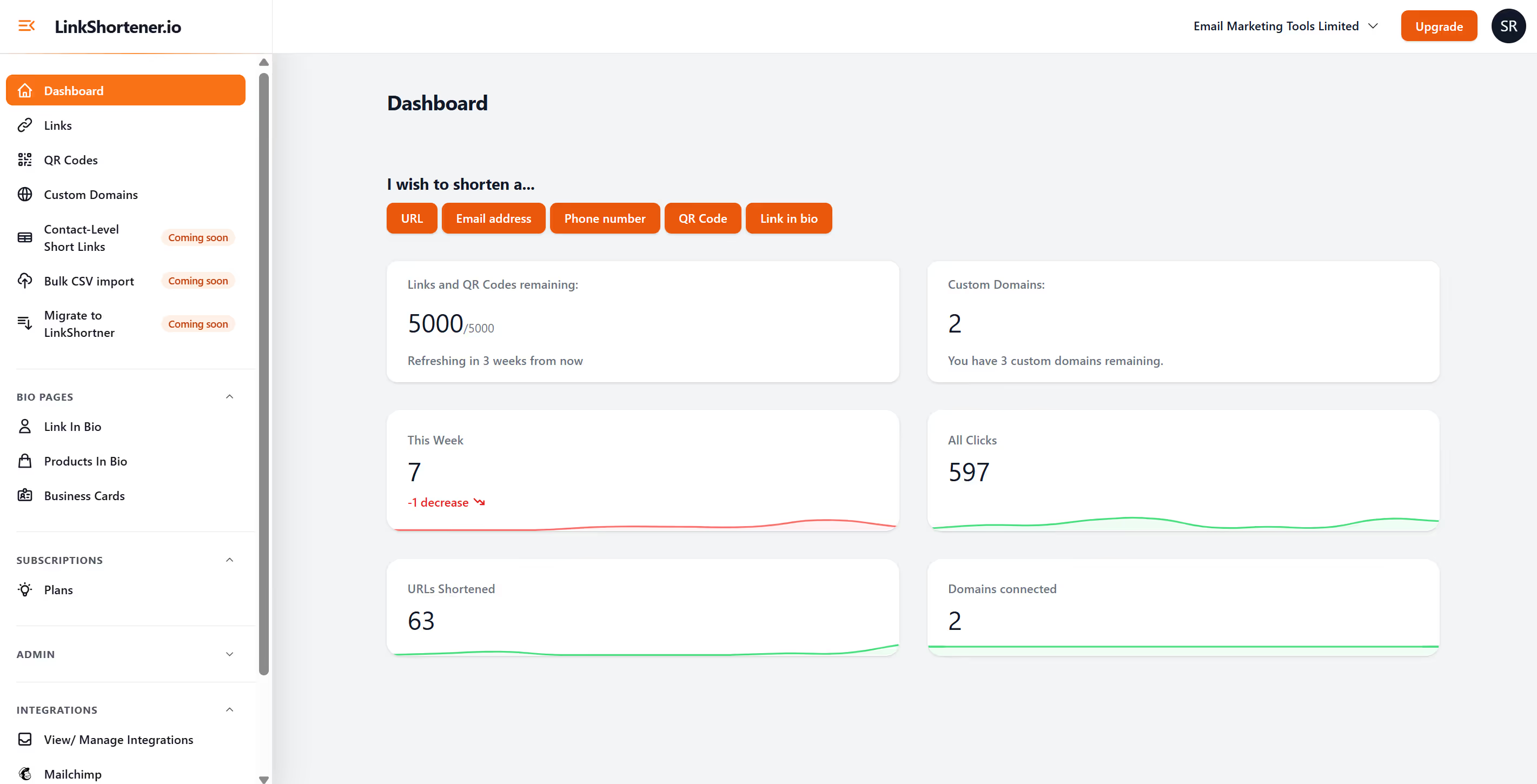
Once you have created an account with LinkShortener, login and scroll down the left hand menu till you get to "all integrations", then follow the steps from Constant Contact to connect via api.
It will only take a few mins to connect, then you will see a new menu option called "MailerLite", once select you will now see all your sent email campaigns. To create a short link of any campaign, click the button on the right hand side of that campaign titled "create short link".
This button will now change to "copy short link", and then you can use this in your social posts saving lots of character space.
Enjoy!