How do you act on what the map shows?
Open the maps for two or three links that point to the same place and compare them. Every short link and QR code keeps a separate map, so different routes to one web page can reach very different countries, and that gap is usually where the decision sits.
Say a small brewery in Kent prints one QR code on its bottle labels, pointing to a tasting-notes page, and puts a short link to the same page in its monthly newsletter. If the label code's map shows mostly UK scans plus a steady run from the Netherlands, where a distributor stocks the beer, while the newsletter link barely leaves the UK, the brewery has learned something: Dutch interest is coming from bottles on shelves, not from its mailing list.
If it wants those Dutch visitors on a Dutch-language page, that is a job for country redirects, available on Pro ($34 a month) and Elite. A country rule on the short link behind the label code sends scans from the Netherlands to the Dutch page, while scans from every other country carry on to the link’s main destination. Rules work by country only, not by region or city.
If it first wants to know what those visitors do after scanning, the map can't answer that, because it stops at a count per country. Adding UTM tags to the destination address fills the gap: tags already on a destination survive the redirect and arrive in the brewery's own web analytics. For the other figures in each report, see tracking and reporting for short links and QR codes.
Do other link shorteners show clicks by country for free?
Not all of them. TinyURL’s pricing page (checked 10 September 2026) lists clicks by geography as not included on its free plan, but LinkShortener.io puts the country map in the free report. Dub’s free plan keeps analytics for 30 days (checked 11 September 2026), but we keep click history for as long as your account is open, so the map for a code printed last year still includes its earliest scans. Rebrandly’s free plan shows detailed analytics for 100 clicks a month (checked 11 September 2026), but every click and scan on our free plan is counted, with no monthly cap.
More questions about the country map
What is the clicks and QR scans by country map?
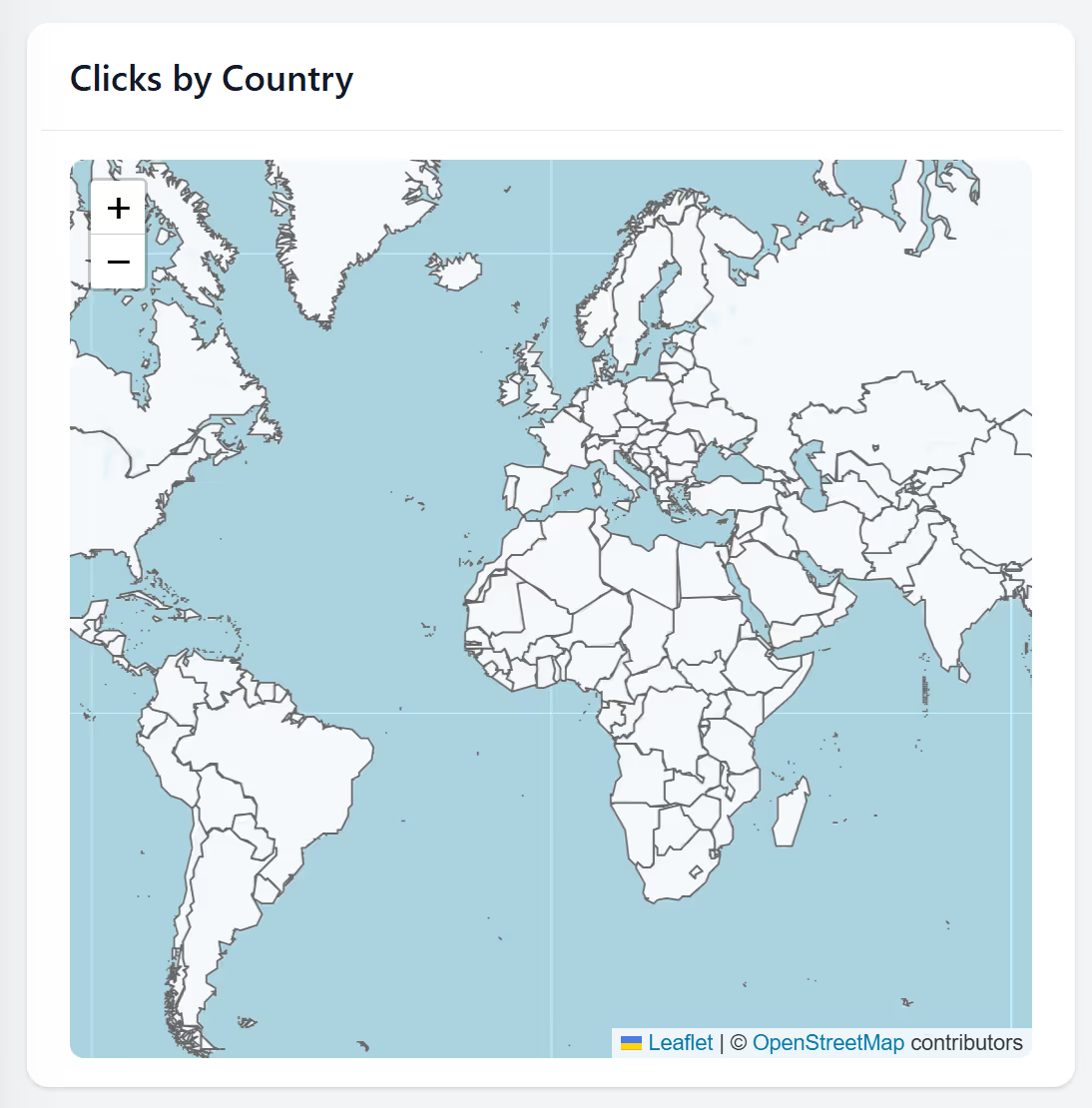
The clicks and QR scans by country map is an interactive world map in your reports. It shows how many clicks and QR code scans each link receives per country, giving you geographic analytics at a glance rather than a plain list of numbers.
How detailed is the geographic data for my link clicks?
LinkShortener.io reports location at country level, giving each country a total on the world map in the report for every link or QR code. No report shows a visitor's IP address, and the CSV download of your links holds one total click count per link rather than a row for every click. Redirect rules use that same country split, and they come with the $34 a month Pro plan and with Elite.
Do I need a paid plan to see the country map?
No. A free account shows the map, and it starts filling in from the first click or scan on each link or QR code. Paid plans see that same map; what Pro and Elite add is country redirects.
Can I see country data for QR code scans too?
Yes. The same country map plots QR scans alongside link clicks, so you can track where people scan your printed and on-screen codes as well as where they click your short links.
Why does the map show a country I never marketed to?
Links travel further than campaigns: newsletters get forwarded, posts get shared abroad and visitors from overseas scan codes they come across. Each click or scan is counted under the country it came from, so the map shows where a link actually travelled rather than where you planned to send it.