Quick answer
Jason Bradbury, who presented The Gadget Show, scanned a LinkShortener.io QR code at eCommerce Expo. It was printed on the polo shirt of our co-founder, Shaun Reynolds, with Shaun’s face in the centre, and it opened his LinkedIn profile, where Jason then followed him. A photo in the middle of a code takes Basic ($13 a month) or above.
Jason scanned a finished code; he didn’t make one. The free plan has no image upload, but every scan of a free code is still counted.
Jason Bradbury, the TV presenter from ‘The Gadget Show’, bumped into our co-founder, Shaun Reynolds, at eCommerce Expo. Shaun’s polo shirt had a custom QR code from LinkShortener.io printed on the chest, with his own face in the middle.
“That’s really cool. Now let’s try it!”
Jason Bradbury, on seeing the code on Shaun’s shirt
So he pulled out his phone, scanned the code and, once Shaun’s LinkedIn profile had opened, followed him there.
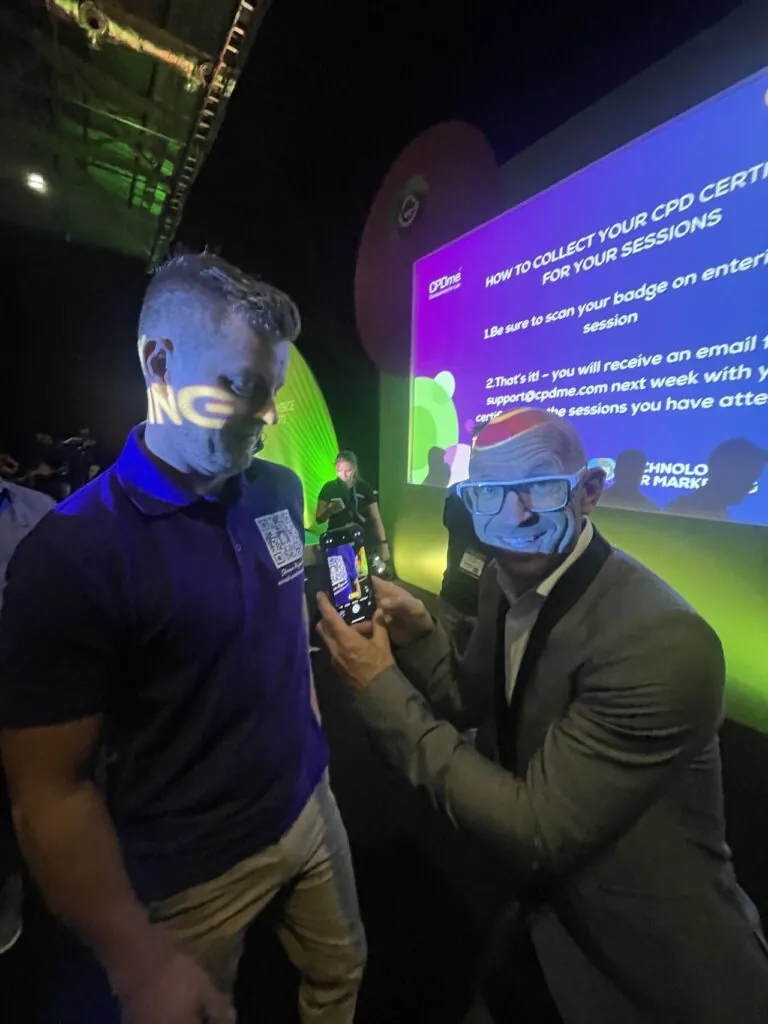
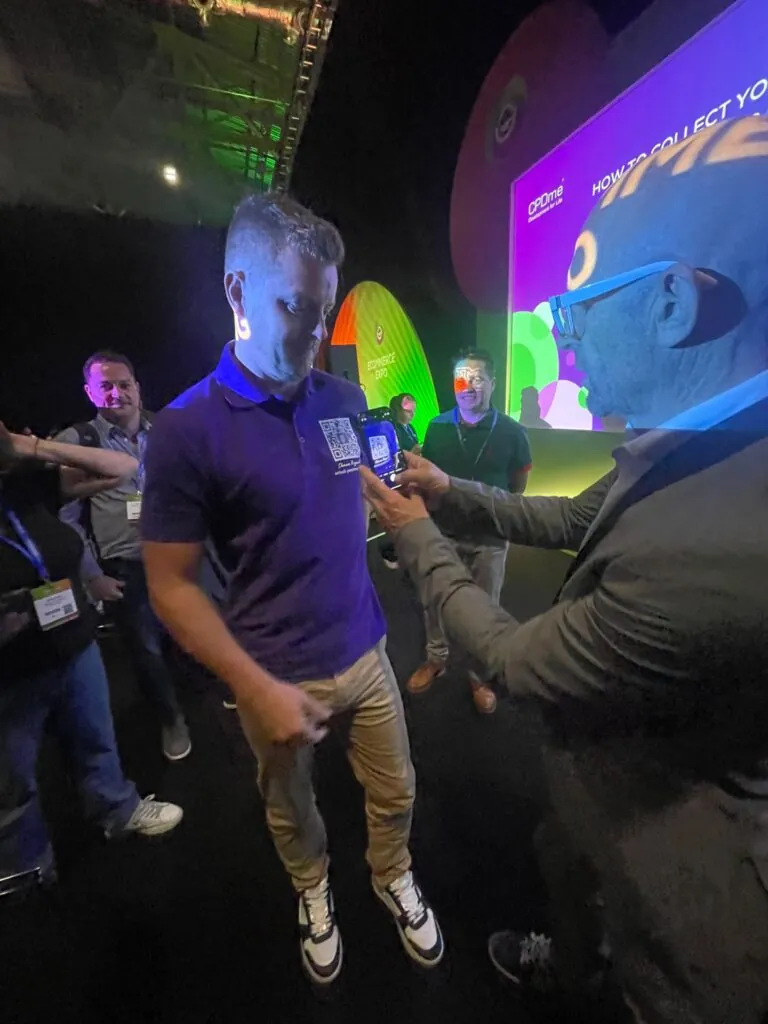
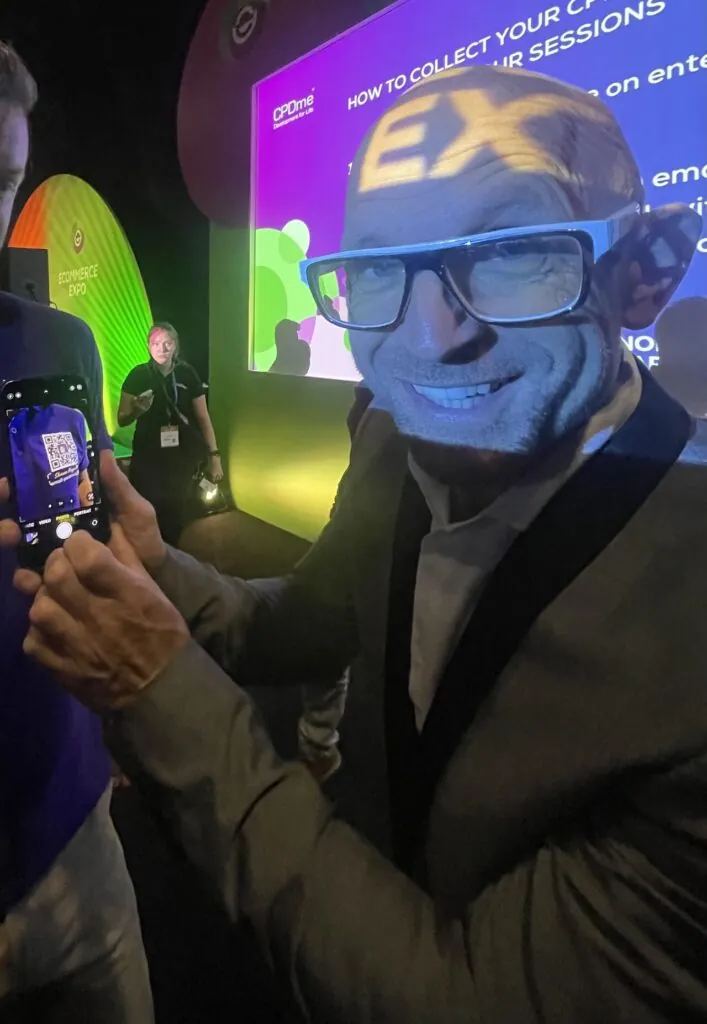
The eCommerce Expo sign is on the tall oval board in the second and third photos; the screen behind them shows a CPDme slide carrying the Technology for Marketing logo.
How did Shaun get his face into a QR code?
He uploaded a photo of himself where a logo would normally go, and LinkShortener.io placed it in the centre of the code. Photo and logo uploads start on the Basic plan. The upload takes a JPG, PNG or WEBP file of up to 2 MB.
Our guide to adding a logo or photo to a QR code covers the upload. With a face, crop close to the head first: the centre of a code is a small square, and a full-length photo is too small to recognise at that size. Turning on Add Background to Logo then gives the photo a plain square of its own, so the face doesn’t merge into the pattern around it.
What changes when the QR code is printed on clothing?
A printed shirt can’t be updated, but the code on it carries a short link instead of the LinkedIn address, so on the Pro plan ($34 a month) and Elite you can change where the short link sends people and the same shirts then open the new page.
Every scan of the shirt gets counted, and the report picks out its busiest hours and days. The hours are shown in UTC, so at a UK show during British Summer Time a rush of scans at 11am lands in the 10am slot.
How big should a QR code be on a shirt?
Our QR code size calculator divides the scanning distance by 10 for a plain code and by 7 for a code with a logo or photo in it. Take a scan from 50 cm, a normal gap for a conversation at a stand: the calculator puts a chest code with a face in it, like Shaun’s, at 7.1 cm wide, where a plain one needs 5 cm.
Across an aisle, the numbers change. From 2 metres the same code would have to be 29 cm wide, so a code on a shirt suits people you are already talking to, and a code meant to be read from further off belongs on the stand’s banner.
Give the printer the SVG download rather than the PNG. Both formats come with every plan, and a vector file can be enlarged to the printed width without the squares blurring. Scan a test print with an iPhone and an Android phone before the full order goes through.